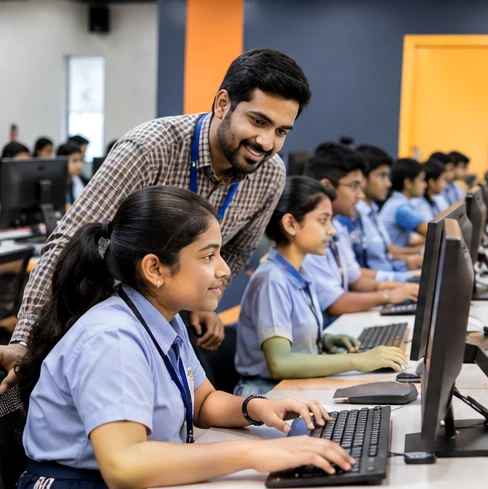
Computer Skills
Computer Training
From the first click to confident everyday computer use, discover practical digital learning topics.
Explore learning topic →
Get to know common hardware, software, settings and how a computer helps you study and create.
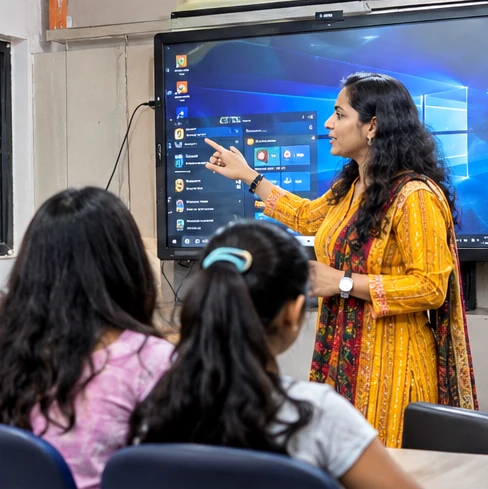
Get to know common hardware, software, settings and how a computer helps you study and create.
Lessons can combine clear explanations, practical demonstrations and exercises that help learners apply ideas independently. The examples below describe a possible curriculum framework, not a verified schedule or promise that every module is currently offered.
Learning topics to help students move from curiosity to confident practice.
Practise this skill through simple examples and guided student-friendly activities.
Practise this skill through simple examples and guided student-friendly activities.
Practise this skill through simple examples and guided student-friendly activities.
Practise this skill through simple examples and guided student-friendly activities.
From the first click to confident everyday computer use, discover practical digital learning topics.
Explore learning topic →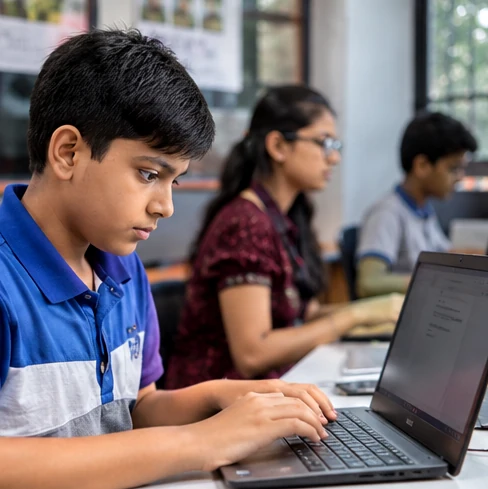
Learn digital habits that make schoolwork, research, communication and creativity easier.
Explore learning topic →An approachable starting point for students who are learning to use a computer independently.
Explore learning topic →